Run TACZ on a Forge server, keep gun packs in sync, and avoid the mismatch errors that stop players joining.
What You Need
- A Forge server for the same Minecraft version as your clients (1.20.1 in this guide).
- Java 17 on the server machine.
- At least 4 GB of RAM allocated for a small group; more for many players or packs.
- The same TACZ version on every client and on the server.
Install the Server
- Run the Forge installer and choose Install server into an empty folder.
- Start the server once with the generated script, accept the EULA in
eula.txt, and start it again. - Copy the TACZ jar into the server's
modsfolder. - Restart. TACZ creates its
taczfolder on the server.
java -Xms4G -Xmx6G @user_jvm_args.txt @libraries/net/minecraftforge/forge/1.20.1-<version>/unix_args.txt nogui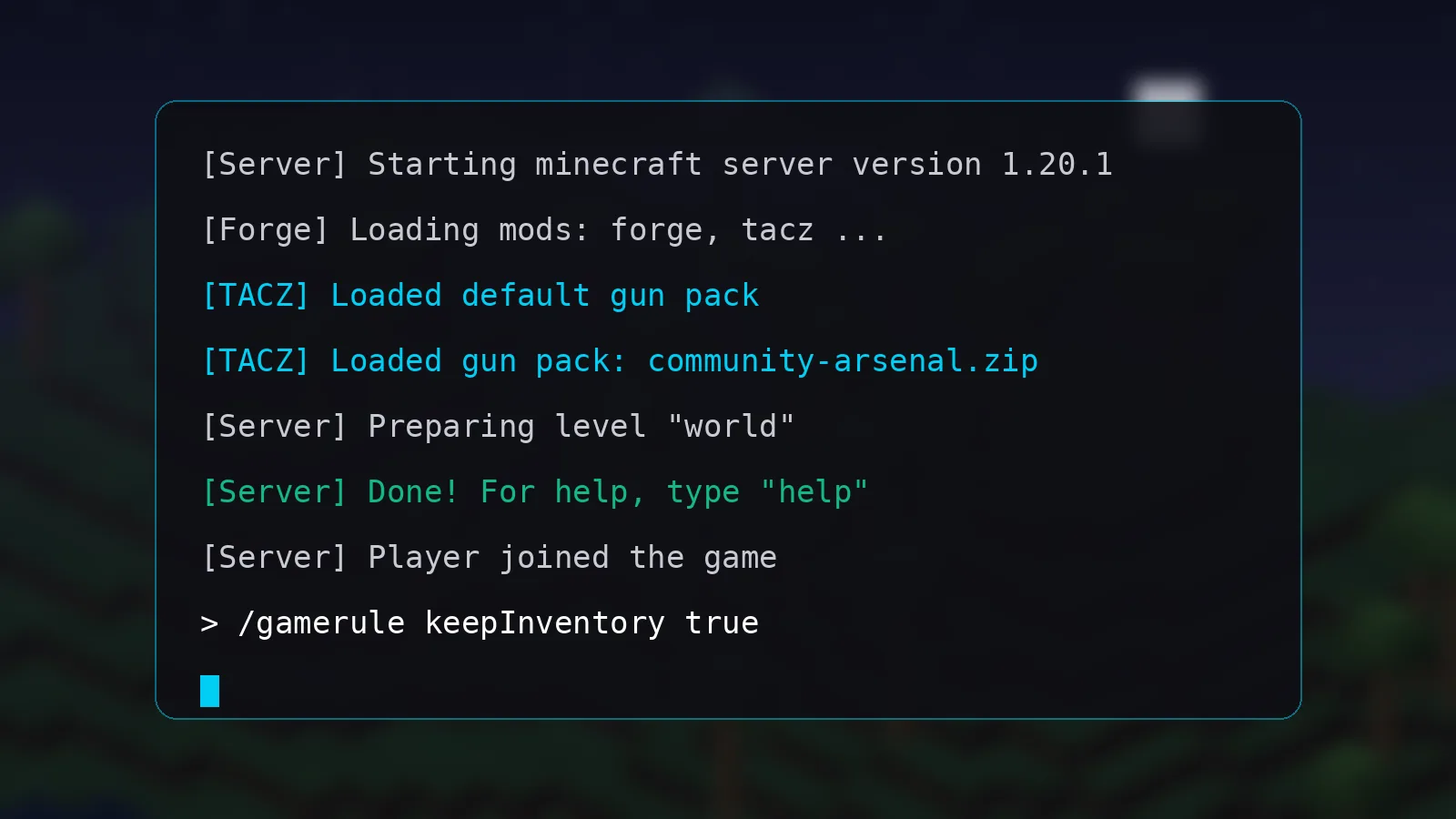
Sync Gun Packs
Put every gun pack in the server's tacz folder, then give players the exact same files. A modpack export from CurseForge or a shared download folder keeps everyone in sync. Mismatched packs are the most common reason players are kicked when joining.
Tune the Config
TACZ keeps its settings in the config folder and the world's serverconfig folder. Review options related to damage, block breaking and ammo before opening the server to players. Keep a copy of the defaults so you can roll back.
Common Errors
Mod rejections or registry mismatch means versions differ; compare jar file names on client and server. Lag spikes during firefights usually means too little RAM or too many entities; see TACZ Performance Tips. For anything else, check logs/latest.log and the troubleshooting section.