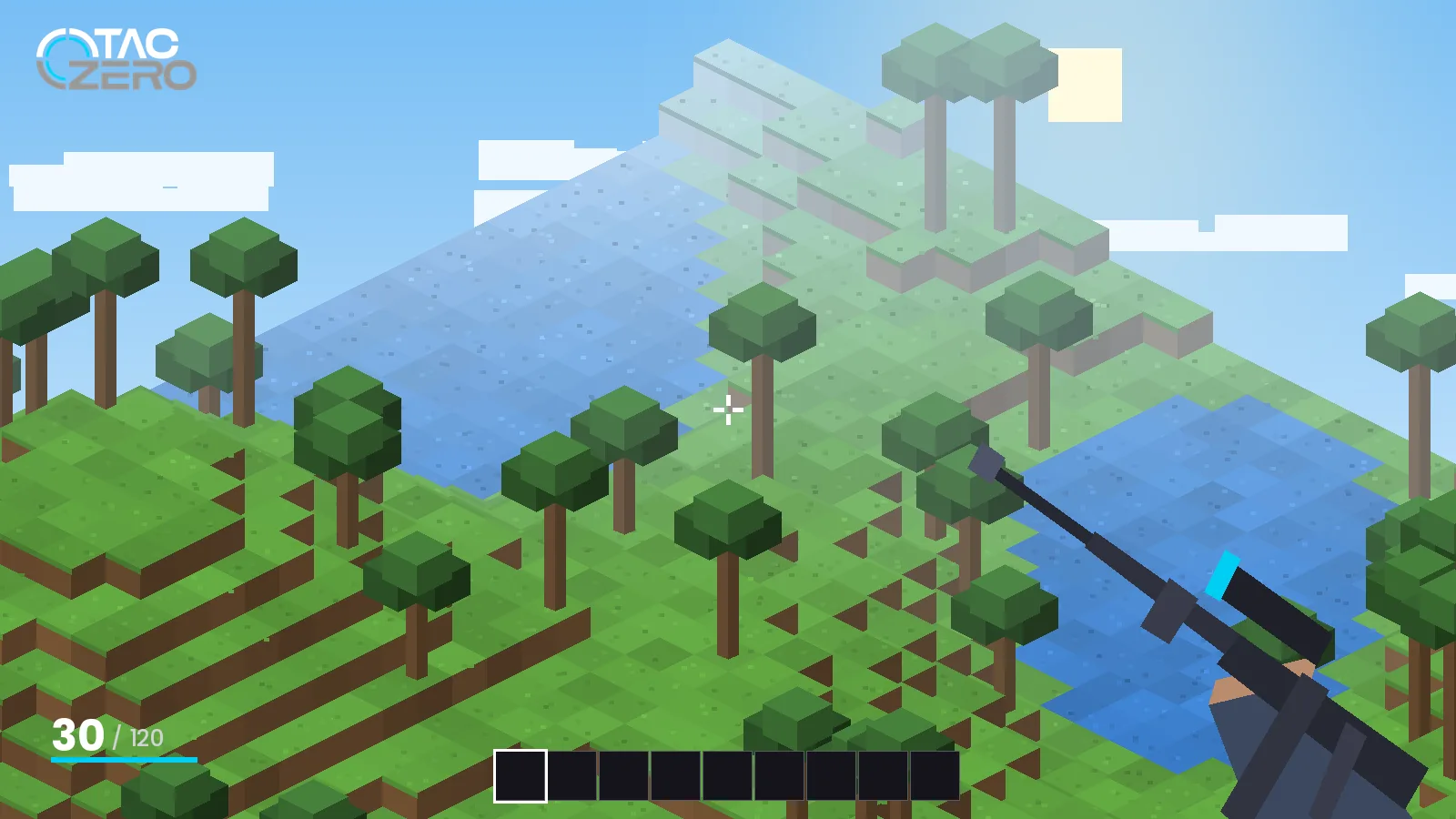
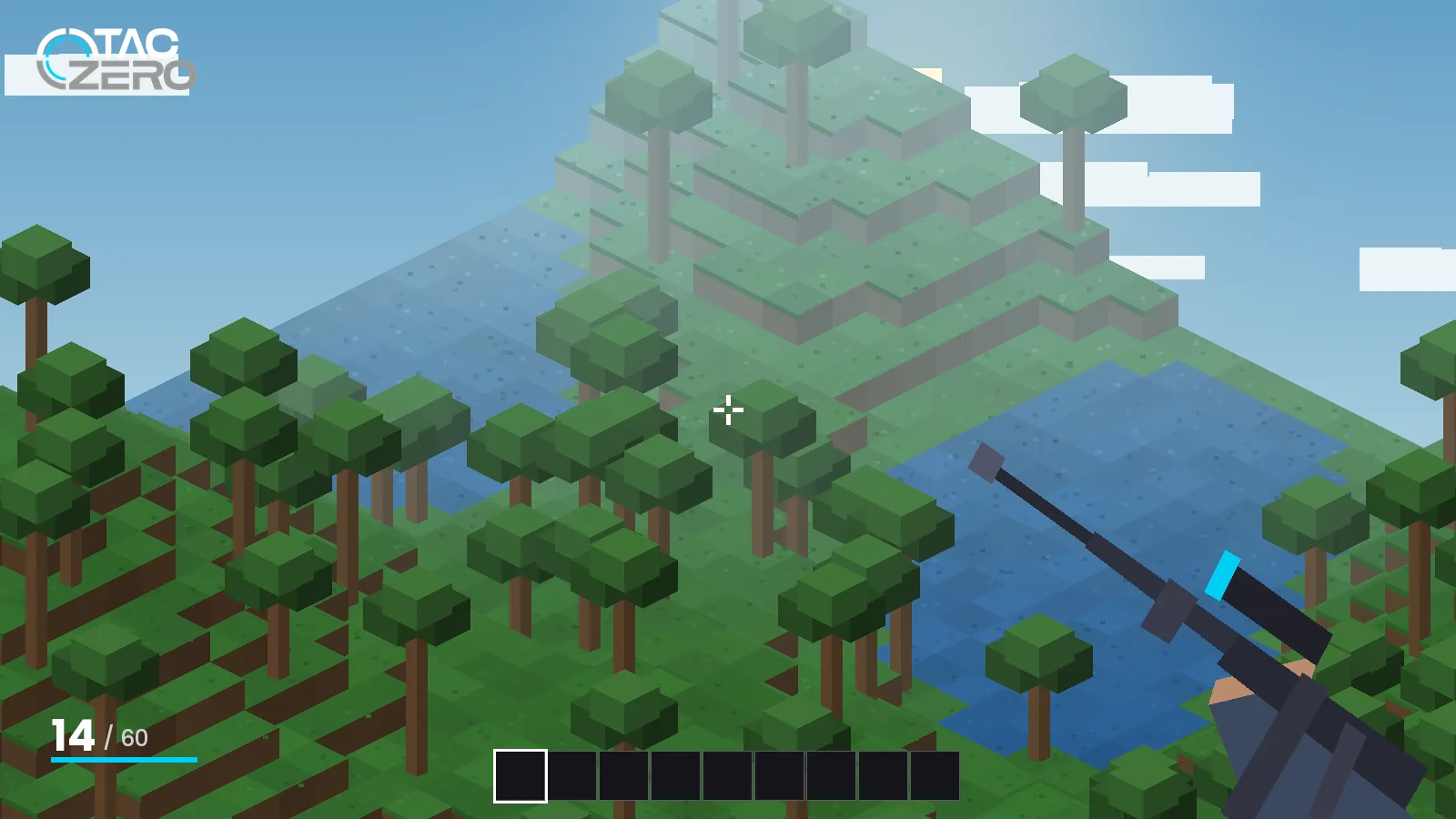
What separates a great TACZ gun pack from a broken one, and how to build a loadout that runs smoothly.
What a Gun Pack Is
A TACZ gun pack is a data bundle that adds weapons, ammo, attachments, models, textures, sounds and animations without changing the mod itself. Because TACZ is data-driven, pack creators can ship whole arsenals as a single .zip. The default pack that comes with TACZ is a solid baseline, and community packs build on that framework.
Signs of a Good Pack
- Clear version support. The page states which TACZ release it targets.
- Complete animations. Reload, inspect and draw animations for every weapon.
- Balanced stats. Damage and recoil that feel consistent with the default pack.
- Active author. Recent updates and replies to bug reports.
- Official hosting. Published on CurseForge, Modrinth or the author's own repository.
Popular Pack Styles
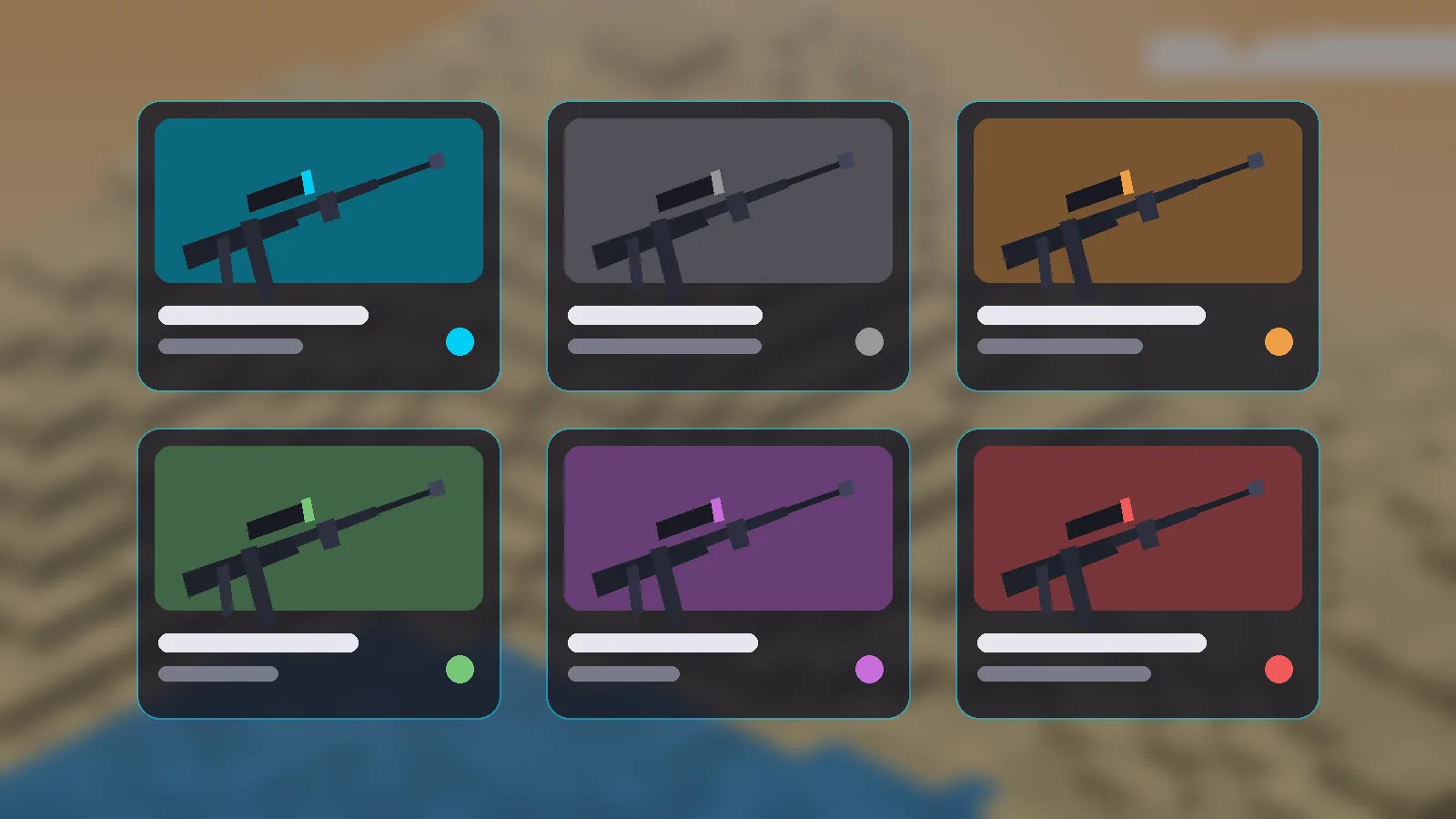
Community packs tend to fall into a few themes. Modern military packs focus on current rifles, optics and suppressors. Historical packs recreate older weapons with bolt actions and iron sights. Sci-fi packs trade realism for energy weapons and unusual fire modes. Utility packs add attachments or ammo types that work across other packs.
Search CurseForge or Modrinth for “TACZ gun pack” and filter by your TACZ version to see what is current.
Installing Packs Safely
- Back up your world and your
taczfolder. - Place the pack
.zipinside thetaczfolder. - Restart Minecraft fully; packs are read at startup.
- Open a test world and check the new items before loading your main save.
For multiplayer, every player and the server need the same packs. See the server setup guide.
Avoiding Conflicts
Two packs that define the same item ID can override each other, which shows up as missing textures or wrong stats. Add packs one at a time, and if something breaks, remove the newest pack first. Keep your pack count modest; every pack adds models and sounds that use memory at load time.